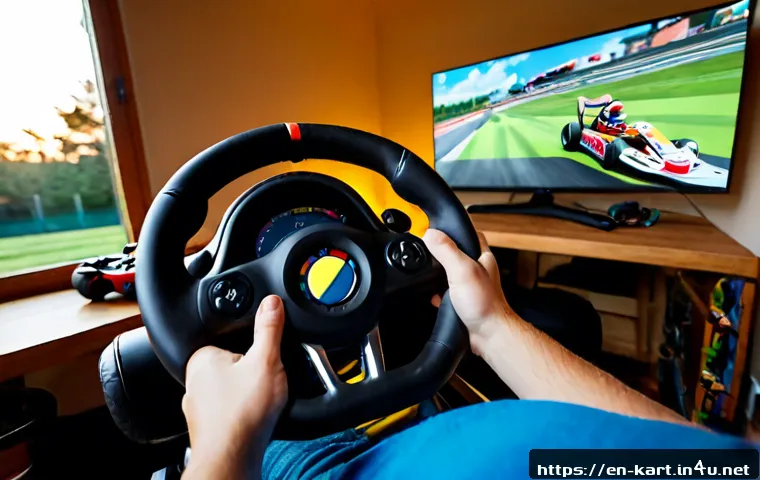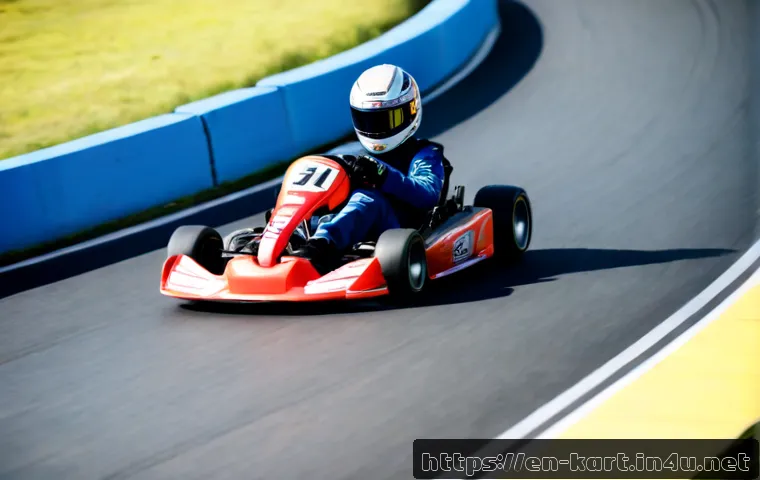
Clean corner exits and repeatable steering inputs will usually help beginner KartRider players more than aggressive drifting. Learn the track first, drift only when the corner requires it, and save boosts for moments that create a real advantage.
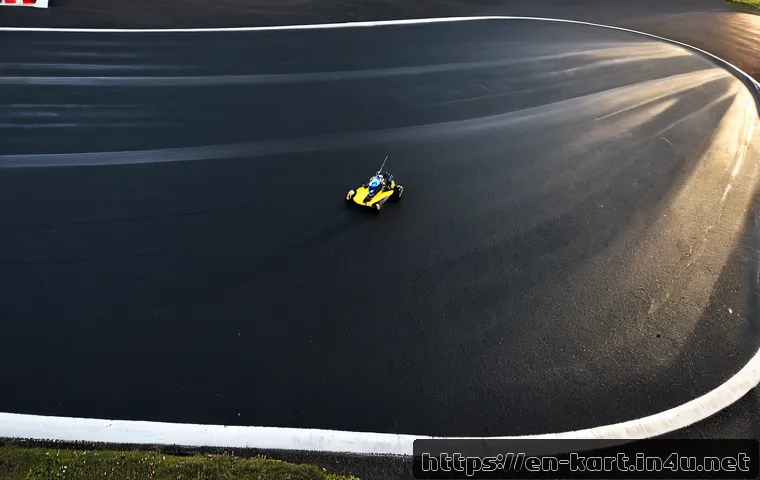
A keyboard can work well, while a controller may be worth considering if comfort or smooth steering is limiting your consistency. Before buying gaming accessories, test your in-game sensitivity, display responsiveness, and control habits.
Track layouts, kart behavior, items, and available modes can vary by version, platform, and region, so check the details for the game you play.
At a Glance
- Clean exits matter: leaving a corner with speed is often more useful than entering it as fast as possible.
- Use drift with a purpose: drift for tight turns, not every bend on the course.
- Buy hardware carefully: test settings and practice routines before deciding that a controller or accessory is the answer.
| Decision Point | Keyboard | Controller | Best Choice For |
|---|---|---|---|
| Steering feel | Direct, button-based input | May feel smoother and more gradual | Players who prefer a familiar input style |
| Comfort over repeated races | Depends on desk position and key layout | May be more comfortable for some players | Long practice sessions or relaxed play |
| Setup effort | Usually simple to start with | May require connection and sensitivity checks | Players willing to test control settings |
| Upgrade priority | Practice may solve most early issues | Useful if comfort or repeatable steering is the limit | Beginners who have already tested their current setup |
Start With Clean Lines, Not Maximum Drift
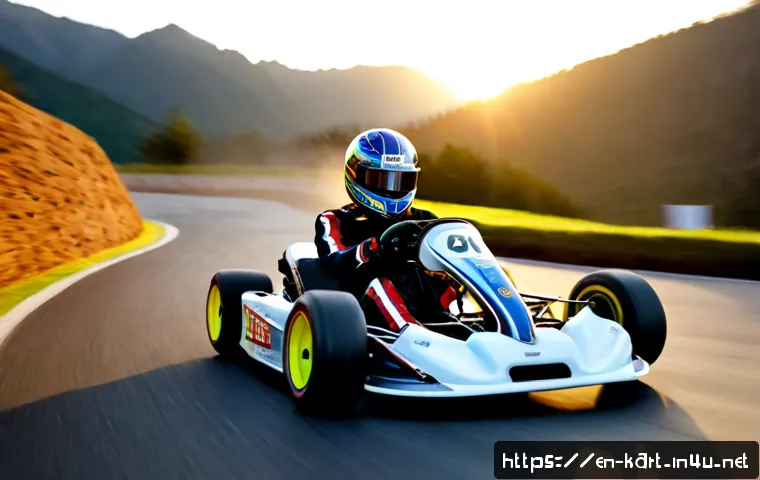
The beginner goal is not to drift at every opportunity. It is to follow a line that keeps the kart stable, avoids walls, and creates a strong exit into the next section. A fast-looking entry can become slow if it leaves you pointed at the outside barrier or forces a correction after the turn.
Three beginner rules for entering, apexing, and exiting corners
Enter under control. Start wide enough to see the turn, but do not swing so far out that you risk traffic or track edges. Turn toward a sensible apex. The apex is the inside point of the corner where your kart can begin opening its steering. Exit with room. Unwind the steering and aim toward the next straight rather than holding a tight line for too long.
If you must choose between a risky inside move and a clean exit, choose the clean exit during practice. It gives you more usable information about the track and makes the next corner easier to read.
The safest way to learn an unfamiliar course during early races
On your first runs, treat each lap as a map-reading exercise. Notice where the road narrows, where corners link together, and where a wall is likely to catch a late drift. Do not chase every shortcut immediately. First learn the standard route well enough that you can drive it without panic corrections.
Look one corner ahead whenever possible. If a left turn is followed immediately by a right turn, your exit from the left is already part of your setup for the right.
Quick summary: prioritize control, exit speed, and awareness
Control prevents collisions. Exit speed protects momentum. Awareness helps you prepare for hazards, rivals, items, and the next corner sequence. These three basics are more dependable than trying to force a dramatic drift on every lap.
Choose the Right Racing Line for Each Corner Type
A racing line is simply the path you choose through a corner. There is no single perfect line for every race because traffic, items, kart behavior, and your next turn can change the decision. Beginners should use the line they can repeat reliably before experimenting with narrower or riskier options.
Wide sweepers: preserve speed with minimal steering input
For a long, open bend, use small steering adjustments and avoid an unnecessary drift. Sudden inputs can make the kart travel farther than needed or lose speed through overcorrection. Keep the line smooth, leave a little margin from the wall, and prepare to straighten the kart early for the exit.
Hairpins: brake or drift only as much as the exit requires
Tight hairpins are where drifting can be helpful, but the timing matters. Begin too early and the kart may drift wide before reaching the turn. Begin too late and you may hit the inside wall or miss the apex. The practical target is simple: rotate enough to face the exit, then stop adding steering as soon as the kart can accelerate cleanly.
A drift that looks tight but leaves you angled toward a barrier is not a useful drift. Focus on where the kart will be pointed after the corner.
Linked corners: plan the second turn before committing to the first
In a left-right or right-left sequence, do not treat the first turn as an isolated corner. A very tight first apex can place you on the wrong side of the road for the second turn. Sometimes a slightly safer first line produces a much better exit from the entire sequence.
Ask one question before turning: “Where do I need to be for the next corner?” This habit quickly improves consistency on technical tracks.
Narrow sections and walls: when the safer line is faster overall
On narrow tracks, a wall hit can cost more than a conservative line. Leave space for small input errors, especially when learning a course or racing in a crowded pack. A risky shortcut may be worth testing in practice, but it is not automatically the best race choice when one mistake will stop your momentum.
Drift, Boost, and Item Timing Without Losing Control
Drifts, boosts, and items are most useful when they support a clear plan. Using them immediately because they are available can leave you without an answer for a straight, an overtake, a recovery, or the final section of a lap.
Signs that a drift is too early, too late, or too long
A drift is likely too early if you slide toward the outside before the corner reaches you. It may be too late if you need a sharp correction or contact the inside wall. It is often too long if you are still rotating after the kart should already be accelerating out.
Use one adjustment at a time during practice. Change your entry point, then repeat the same turn. Changing drift timing, steering angle, and boost use all at once makes it difficult to learn what caused the result.
How to save boosts for overtakes, recovery, and final sections
A boost is strongest when it has room to work. Consider saving it for a clean straight, a moment after a good corner exit, or a recovery after you lose ground. Using a boost into a wall, a crowded narrow section, or an immediate hairpin can create more trouble than speed.
Near the end of a race, boost timing becomes a strategy choice. If the final section has tight turns, holding the boost until the kart is stable may be safer than activating it at the first possible moment.
Item-race positioning: defend first place without overcommitting
In item-focused races, position matters as much as raw line choice. A player in front should avoid driving so defensively that they hit obstacles or lose a clean route through corners. Maintain a predictable line, watch for upcoming hazards, and keep enough space to react.
Game-specific item behavior can vary by title version and mode. Check the current in-game rules rather than assuming that every item or defensive option works the same way across platforms.
Common recovery mistakes after a crash or missed shortcut
After a collision, many beginners try to regain everything in one aggressive move. This often creates a second collision. First, straighten the kart. Next, return to the normal racing line. Then use a boost only when the path ahead is clear. If you miss a shortcut, continue on the main route instead of forcing a late turn into a wall.

Keyboard vs. Controller: Setup Choices That Help Beginners
Neither input method automatically makes a beginner fast. The better choice is the one that gives you repeatable steering, comfortable hand position, and reliable inputs. Your game version and platform may also affect controller support and available settings.
Comparison table: control precision, comfort, learning curve, and cost
| Factor | Keyboard | Controller |
|---|---|---|
| Control precision | Clear directional presses can feel consistent | May suit players who prefer smoother directional movement |
| Comfort | Can depend heavily on chair, desk, and key placement | Can be convenient away from a desk or during longer sessions |
| Learning curve | Useful if you already play racing games on keyboard | Useful if you already use gamepads in driving or racing games |
| Cost consideration | Usually uses existing equipment | Requires comparing compatibility, build quality, and features |
When a basic controller can be a useful upgrade
A basic controller can be worth considering when your current setup is uncomfortable, your directional inputs feel inconsistent, or you prefer gamepad-style racing controls. Look at platform compatibility, connection type, comfort, button placement, and support for your version of the game. A more expensive controller is not automatically a better first purchase.
Before choosing a gaming controller, review the product page for compatibility details and check your platform’s supported-input information.
Settings to test before spending money on new gaming accessories
Test controller sensitivity or input settings available in your game, if supported. Check whether your display feels responsive enough for your normal play. Also review connection stability, input recognition, and whether your hand position causes fatigue. A headset can improve awareness of game audio for some players, but it will not replace track knowledge or careful cornering.
Avoiding unnecessary purchases: practice targets that matter more than hardware
Set practice targets that do not depend on a new accessory: finish several runs without major wall contact, identify the hardest corner sequence, and repeat one clean line through it. If the same issue remains after settings and practice, then a controller, display adjustment, or other gaming accessory may be easier to justify.
Track Practice Plans for Different Race Situations
Practice works best when each run has one purpose. Instead of trying to set a perfect lap immediately, build familiarity first and then improve one decision at a time.
A five-run routine for memorizing an unfamiliar track
Run one: identify major turns, narrow sections, and obvious hazards. Run two: use safe lines and avoid unnecessary drift. Run three: focus on linked corners and exit position. Run four: test drift timing only at the turns that clearly need it. Run five: practice boost use on clean exits and straights.
This routine does not require memorizing every shortcut. It builds a usable mental map of the course first.
How to practice time-trial consistency without chasing one lucky lap
Choose a line you can repeat, even if it is not the tightest possible route. Compare whether you are entering the same corners with similar control rather than judging every attempt by one unusually fast result. A stable lap teaches more than a lucky run created by unpredictable drifting.
Tips for players who struggle with tight turns, collisions, or boost timing
For tight turns, begin by giving yourself more space on entry. For repeated collisions, reduce steering corrections and look farther ahead. For boost timing problems, activate boosts only on sections where the kart is already straight or becoming straight. Each change makes the next practice run easier to evaluate.
Adapting your approach for speed-focused and item-focused races
In speed-focused races, clean lines, exit speed, and boost management usually deserve most of your attention. In item-focused races, keep those basics, but add more awareness of race position, nearby players, and likely hazards. Modes may differ by game version, so confirm the rules and mechanics inside the title you are playing.
Selection Criteria and Comparison Summary
Choose a safer line when repeated clean laps matter more than one risky shortcut. Choose a controller when comfort, input consistency, or steering feel is the real limitation—not simply because it is marketed as a racing upgrade. Check game and platform compatibility before buying a controller, headset, display, or other gaming accessory. Test sensitivity, connection stability, and display performance first. Finally, keep hardware expectations realistic: practice and track familiarity remain the foundation of consistent results.
For a controller or display upgrade, check the relevant product page for compatibility, connection options, comfort features, and return conditions before making a decision.
In Closing
Beginner improvement in KartRider starts with simple habits: enter under control, aim for a clean exit, and avoid drifting without a reason. Learn the standard route before chasing shortcuts or risky overtakes. A controller can be a practical choice for some players, but better settings and focused practice may deliver more value first. Build consistency one corner sequence at a time.
Useful Things to Know
Track familiarity helps you anticipate hazards, corner sequences, shortcuts, and boost opportunities. Display performance and input responsiveness can affect how consistent a racing game feels. Kart availability, mechanics, modes, and item behavior may differ across title versions, platforms, and regions, so verify current in-game details before making a purchase decision.
Important Notes
This guide focuses on general KartRider-style racing fundamentals. It does not assume exact kart statistics, item balance, controller settings, track rotation, or game availability for every version. Paid karts, cosmetics, and accessories may not provide the same advantage in every mode. Always check the current rules, supported devices, and platform-specific options for your game.
Frequently Asked Questions
Q1. Is a controller better than a keyboard for beginner KartRider players?
A1. Not automatically. A controller may help if it feels more comfortable or gives you more repeatable steering, while a keyboard can work well when its inputs feel natural and consistent. Try your available settings first, and choose the input method that helps you avoid corrections and wall contact.
Q2. Should beginners buy a premium controller or practice with basic equipment first?
A2. Practice with your current equipment first. Check sensitivity, comfort, connection stability, and display responsiveness before upgrading. If your main issue is still discomfort or inconsistent control after focused practice, a compatible basic controller may be a sensible option to compare before considering premium gaming accessories.
Q3. How can I improve on difficult tracks without memorizing every shortcut?
A3. Learn the standard route in stages. Identify the tight turns, narrow sections, linked corners, and places where a boost has room to work. Use safe lines until you can finish consistently, then test one shortcut or advanced line at a time rather than trying to memorize everything in a single session.