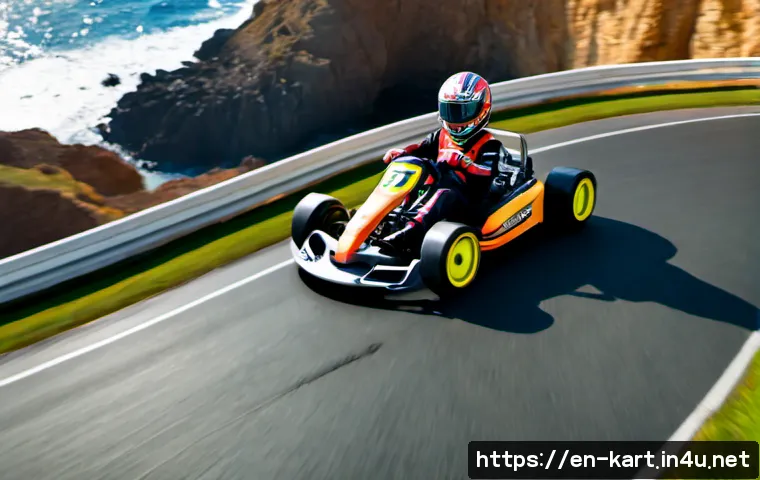
The fastest way to learn a new KartRider course is to practice the route first, then refine braking, drifting, and boost timing one section at a time.
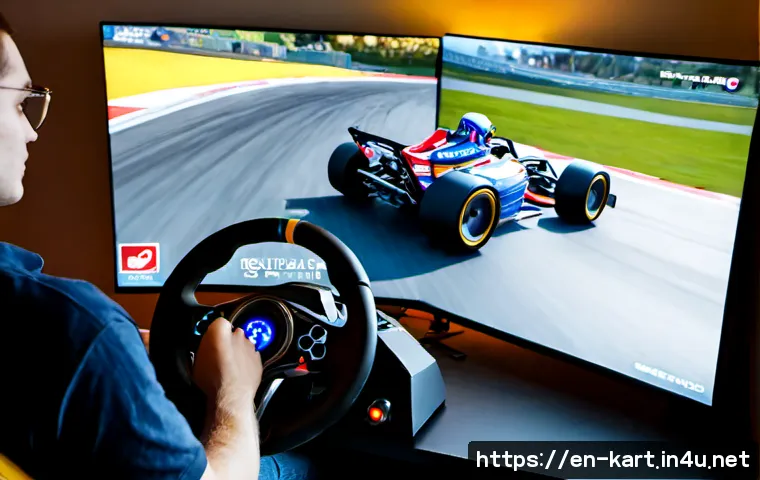
A faster kart or optional upgrade may help in some modes, but it will not replace clean corner exits and reliable track knowledge. Start with a low-pressure practice mode or private race so you can identify hazards without worrying about rank.
If your inputs feel inconsistent even after several runs, adjust steering sensitivity, key bindings, or controller layout before considering new hardware.
Optional karts, items, and accessories are best evaluated only after you know what is actually limiting your lap time. Because tracks, modes, and item systems can differ by title, region, platform, and service status, always check the details in your own version.
At a Glance
- Learn the route before buying upgrades: racing-line practice usually provides the clearest improvement on an unfamiliar course.
- Fix one problem at a time: separate route knowledge, drift timing, boost use, and input consistency.
- Check mode-specific value: optional karts or items may not solve a cornering or decision-making problem.
| Option | Best When | Cost and Effort | Likely Benefit |
|---|---|---|---|
| Practice mode or private race | You do not know the route, hazards, or corner sequence | No purchase required; takes focused runs | Better racing lines, safer braking points, and fewer avoidable crashes |
| Controller or input setting adjustment | Your steering or drift inputs feel inconsistent | Low effort for settings; hardware depends on your choice | More repeatable turns and more comfortable control |
| Optional kart or in-game item purchase | You understand the course and have confirmed its value in your selected mode | Varies by title, platform, region, and current service | May support your setup, but does not automatically create faster laps |
The Fastest Way to Adapt to an Unfamiliar Course
The practical answer is a three-lap routine: map the route, test braking points, then refine the racing line. This method keeps a new course from feeling like a single confusing sequence of corners. On the first lap, focus on where the road goes. On the second, notice where your kart begins to slide too wide or arrives too fast. On the third, try a cleaner entry and exit through the corners that caused the biggest mistakes.
Use a Three-Lap Routine: Map the Route, Test Braking Points, Then Refine the Racing Line
Lap one is for observation. Look for sharp turns, narrow sections, barriers, elevation changes, hazards, and possible shortcut entries. Do not force aggressive drifts yet. Lap two is for control: test when you need to ease off, brake, or begin a drift. Lap three is for efficiency: connect turns with smoother steering and protect your exit speed.
Use practice mode or a private race when available. These modes can remove the pressure of ranked competition and make it easier to repeat one difficult section. If you miss a turn, treat it as route information rather than a reason to restart the entire learning process.
Prioritize Clean Exits Over Aggressive Entries
A dramatic drift into a corner may look fast, but a poor exit can cost speed for the entire next straight. Aim to leave the corner facing the next section with control. This is especially useful when a difficult turn leads immediately into another turn, a hazard area, or a boost section.
Ask one simple question after each corner: “Did this turn prepare me for the next one?” If the answer is no, enter slightly more conservatively on the next run. A safe line that is repeatable is usually more useful than an advanced line you can only complete occasionally.
Identify the Corners That Decide Most of the Lap Time
Not every corner deserves equal attention. Focus on turns that lead to long straights, tight corner sequences, shortcuts, or frequent collisions. A small mistake before a long acceleration section can carry through much more of the lap than a mistake near a slow, isolated bend.
When reviewing a run, identify one or two “decision corners.” These are places where braking timing, drift angle, and boost management affect everything that follows. Improve those before trying to optimize every minor turn.
Compare Practice, Control Settings, and Optional Upgrades
Choose the solution that matches the actual problem. If you are taking the wrong route, a new kart will not teach the layout. If your hands cannot repeat the intended input, more practice may feel frustrating until your controls are adjusted. Optional purchases should come after you understand both the course and the mode you play.
What Each Option Can Realistically Improve
Practice improves recognition. You learn where to drift, where to hold boost, and where hazards are likely to interrupt a fast line. Controller settings can improve consistency by making steering, drifting, and key inputs feel more natural. A controller layout or gaming accessory may be worth considering when physical comfort or unreliable input timing is clearly the limitation.
Optional karts and in-game items can have different roles depending on the KartRider title and mode. Their availability and meaningful impact may vary. Treat them as a setup choice, not a substitute for route knowledge.
Cost, Effort, and Expected Value Comparison
Practice asks for time but directly targets unfamiliar-course mistakes. Settings changes are usually easy to test, provided you change only one setting at a time. A controller upgrade involves a purchase decision, so it makes more sense when you can describe the exact input issue it would solve: uncomfortable hand position, inconsistent steering response, or difficulty using your current key layout.
In-game upgrade decisions need the same discipline. Check the official item description, current mode rules, and compatibility details for your version before committing. A purchase is easier to evaluate when you already know whether your lost time comes from acceleration, corner control, route errors, or race incidents.
When Paid Karts or Items Are Unlikely to Solve the Problem
Do not expect a paid kart or item to fix blind drifting, late braking, or wasted boost. These are usually track-learning issues. If you repeatedly hit the same wall, miss the same shortcut entry, or lose control in the same sequence, return to practice and slow the problem down.
A useful test: if you cannot explain where you lose time, postpone the purchase decision. First complete several controlled laps using the same basic approach. Then you can judge whether equipment, settings, or a different kart choice would meaningfully support your preferred mode.
Build a Reliable Racing Line Before Chasing Speed
Build a safe baseline first. A reliable racing line gives you something to compare against when you later test sharper drifts, alternate routes, or shortcuts. Chasing maximum speed too early often hides the real cause of a mistake.
Mark Drift Zones, Boost Sections, Shortcuts, and Hazard Areas
As you learn the course, mentally divide it into functional sections. Mark corners where a drift is necessary, straights where boost can be used safely, and areas where a hazard or wall punishes a wide line. Also note shortcuts, but do not assume they are automatically faster for every player or every run.
A shortcut may require a specific entry angle, enough speed, and precise control. If missing it causes a larger loss than staying on the standard route, the standard route is the better choice while you are still learning.
Learn Safe Lines First, Then Test Faster Alternatives
Start with the route that gives you consistent finishes. Once you can complete it without major contact or missed turns, test one alternative at a time. For example, change only the entry angle into one corner rather than rebuilding your entire lap.
This approach makes results easier to read. If the alternative line fails, you know what changed. If it works, repeat it several times before treating it as part of your normal racing line.
Review Where Speed Is Lost After Each Run
After a run, avoid vague conclusions such as “I need a better kart.” Instead, name the loss: drift started too early, exit was too wide, boost was used before a tight section, or the route was misread. Clear labels make your next practice lap purposeful.

For casual races, consistency may matter more than an aggressive line. For time trials, repeated runs can help isolate one section. For competitive matchmaking, prioritize lines that remain stable when other racers, items, or race pressure interrupt the ideal route.
Avoid the Most Common New-Course Mistakes
New courses punish assumptions. Even a track that visually resembles an older layout may have different turn timing, hazard placement, or route choices. Give yourself permission to drive slightly safer until the course becomes familiar.
Braking Too Late Because the Course Looks Familiar
Recognizable scenery can make a corner feel predictable when it is not. On early runs, brake or reduce speed earlier than you think you need to. You can gradually move the braking point later once you understand the corner’s true shape and what comes after it.
Spending Boost Before a Difficult Corner Sequence
Using boost before a narrow or technical section can create more speed than you can control. Save it when the next section lets you convert that speed into a clean advantage. A boost used on a stable exit or open straight is often easier to manage than one used just before consecutive turns.
Using Advanced Shortcuts Without Enough Entry Speed or Control
Advanced routes are tempting when other players use them, but copying them too early can turn one missed attempt into a major loss. First learn the normal path. Then practice the shortcut in a low-pressure setting and decide whether you can enter it consistently.
Do not confuse a possible route with a reliable route. The best choice is the one you can execute under the conditions of your current race.
Adjust Your Setup for More Consistent Inputs
Settings should support your technique, not replace it. When the route is understood but your drifts and steering still vary from run to run, review your input setup. Small adjustments can make a familiar action easier to repeat.
Steering Sensitivity, Key Bindings, and Controller Comfort
Steering sensitivity can affect how easily you hold a line through fast or tight sections. Key bindings may matter if important actions feel awkward or delayed. Controller layout can matter when your hands struggle to reach the inputs you use together most often.
Keep your test simple. Change one setting, run the same course section, and compare how it feels over several attempts. Changing sensitivity, bindings, and hardware all at once makes it difficult to identify what helped.
When a Controller May Be Worth Considering
A controller may be worth considering if your current input method is the clear limiting factor. Examples include inconsistent directional inputs, uncomfortable repeated actions, or a layout that makes drift and steering combinations difficult to perform reliably. It is not automatically better than keyboard controls for every player.
Before choosing a controller or gaming accessory, look at compatibility, layout comfort, and the controls you use most often. Check the relevant product page or official platform guidance for supported features and current details.
Test Settings Changes One at a Time
Use a short testing routine: keep the same kart and course, alter one input setting, and repeat a familiar corner sequence. If control becomes less predictable, revert the change. The goal is not to find a universally “best” sensitivity, but to find a setup that lets you repeat your intended line.
Selection Criteria and Comparison Summary
Choose practice when route knowledge is the main gap: you are unsure where to drift, brake, use boost, or avoid hazards. Choose settings changes when you know what to do but cannot perform the input consistently. Consider a controller upgrade only if inconsistent inputs, comfort, or layout limitations are the limiting factor. Consider optional in-game purchases only after confirming their mode-specific value and checking whether they address your actual weakness. Keep a safe line when a shortcut or advanced route cannot be repeated under race pressure.
For controller, accessory, kart, or item comparisons, review compatibility, control layout, mode rules, and current item details on the relevant official or product page before making a choice.
In Closing
New KartRider courses become easier when you treat them as a series of small decisions rather than one test of raw speed. Learn the route, protect corner exits, and save boost for sections you can control. Once your baseline lap is consistent, settings adjustments and optional equipment choices become much easier to evaluate. The best upgrade is the one that addresses a confirmed limitation, not a guess made after one difficult race.
Useful Things to Know
Practice modes and private races can help you learn without ranked pressure.
Fast-looking lines are not always fast for you if they create repeated crashes or missed shortcuts.
One change per test is the clearest way to evaluate sensitivity, bindings, controller layout, or a new racing approach.
Course availability and item systems can vary by title, platform, region, and current service status.
Important Notes
This guide does not assume a specific KartRider title, platform, region, track, kart statistic, event reward, or item price. Available courses, modes, balance changes, and purchase options may differ in your version of the game. Confirm current track access, item descriptions, controller compatibility, and mode rules before making an in-game or hardware purchase.
Frequently Asked Questions
Q1. What is the best way to learn a new KartRider course quickly?
A1. Use a three-lap routine: first map the route, then test braking and drift timing, then refine one or two important racing lines. Practice mode or a private race can help you repeat difficult sections without ranked pressure.
Q2. Are paid karts or upgrades worth buying for new tracks?
A2. They may be worth considering only after you know what is limiting your performance and have checked their value in your selected mode. If the main issue is unfamiliar corners, hazards, drift timing, or boost use, practice is usually the more direct solution.
Q3. Is a controller better than keyboard controls for learning racing lines?
A3. Not necessarily. A controller can be useful when it improves comfort or makes your inputs more consistent, but keyboard controls may work well if they feel reliable to you. Choose a controller upgrade only if inconsistent inputs are the limiting factor.